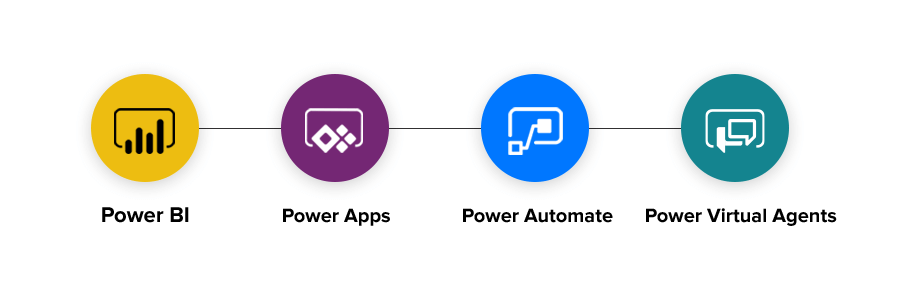
Automation of common tasks (workflows) used to be something that required special and expensive tooling to accomplish. Microsoft has introduced a suite of tools collectively known as Power Platform(r) which can assist in automating various tasks in and around your office.
Power Automate is specifically the tool that allows you to automate steps in a process to perform routine repetitive tasks. For example, I recently built a set of budget spreadsheet templates for client and a workflow that took those templates and automatically created worksheets for each of their offices. I was able to copy the template and modify it to provide a document each office could update. The workflow even sent an email to the managers of each office asking them to provide the information for their office.
The possibilities are endless. The whole platform is enabled by connectors, triggers, and tasks that are provided from a variety of sources. Microsoft provides a great set out of the box. But, the vendor market for these is growing. The limitations are practically non-existant.
For example, say you want to monitor the Twittersphere for posts with a particular hash tag and take action on that occurrence. You can do that! You can have people fill out a form and then trigger an appropriate action to react to the form being filled in.
Recently, Microsoft introduced the Power Virtual Agents which run on a desktop or a server to perform more interactive tasks. And these can be part of an overall workflow. So, imaging being able to react to something happening in “the Cloud” and have that trigger an activity to perform a routine task on your desktop. Pretty mind blowing.
Power Apps is another part of the picture. It allows creating of applications which act on data stored anywhere a connector exists to reach. Of course, it puts data in SQL databases, but it can also access sources like a SharePoint library, OneDrive, etc.
Using Power Apps does not come without a cost. Especially if you want to access data stored by Microsoft in their product which is now called DataVerse (formerly Common Data Service). DataVerse provides a place to store data with many common data entities already available. But, you can also build your own.
Recently, Microsoft announced DataVerse for Teams which makes the cost a little bit more bearable. Now, there is an allowance for up to 2 GB of storage per team to host data which is accessed by an application within Microsoft Teams. This will allow teams to build custom applications to serve their team members.
There is a lot of change and possibility in the Microsoft 365 eco-system. Power Platform is just one of the many tools and technologies that Microsoft has provided to make people’s lives just a little bit better and hopefully remove some of the tedious drudge work.
 dotConsultant